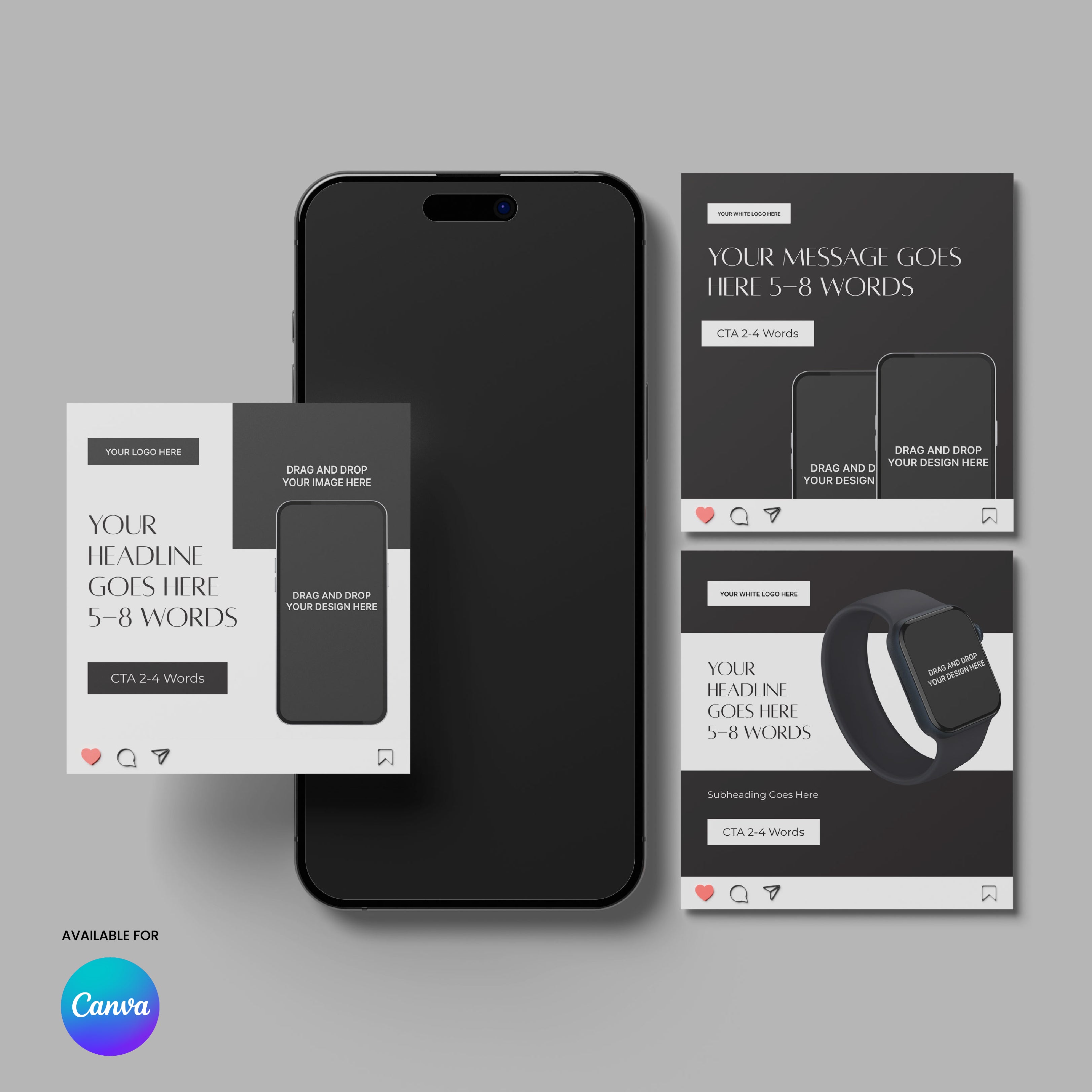
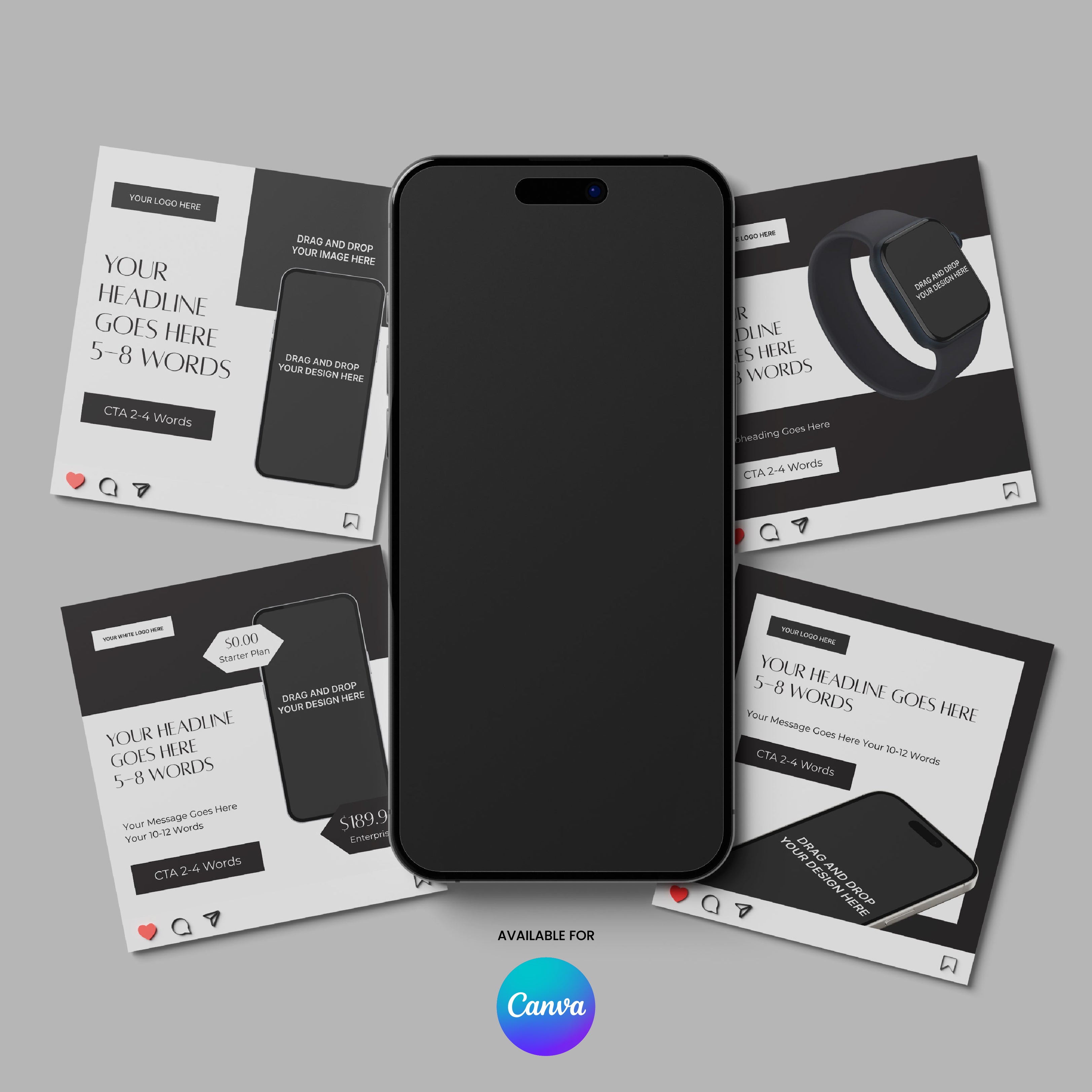
Vendor:More By Us | The Brand Store
200601
Social Media Paid Ad Templates for Canva - Forma 60 Collection
Paid campaigns move fast. Your visuals need to communicate value instantly.
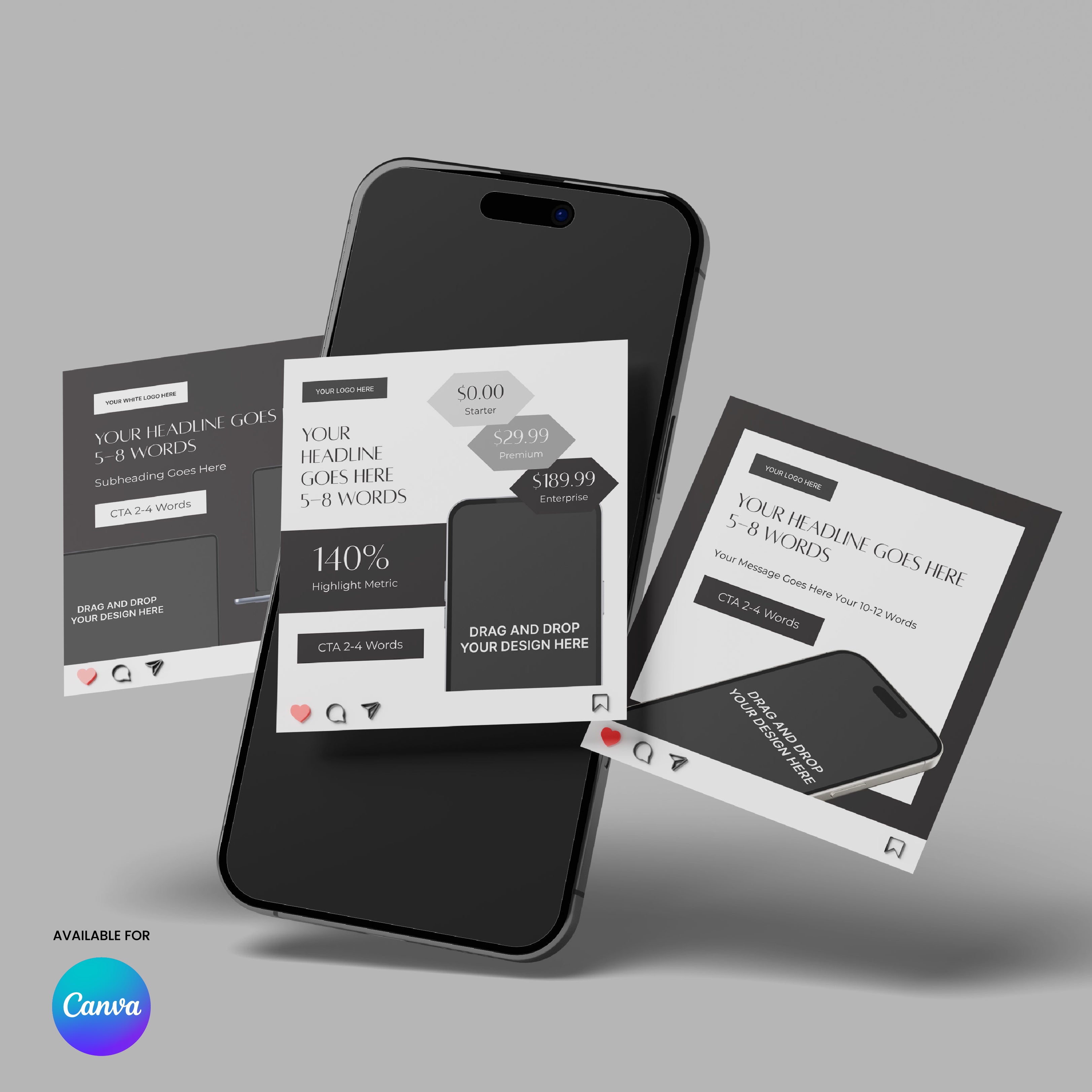
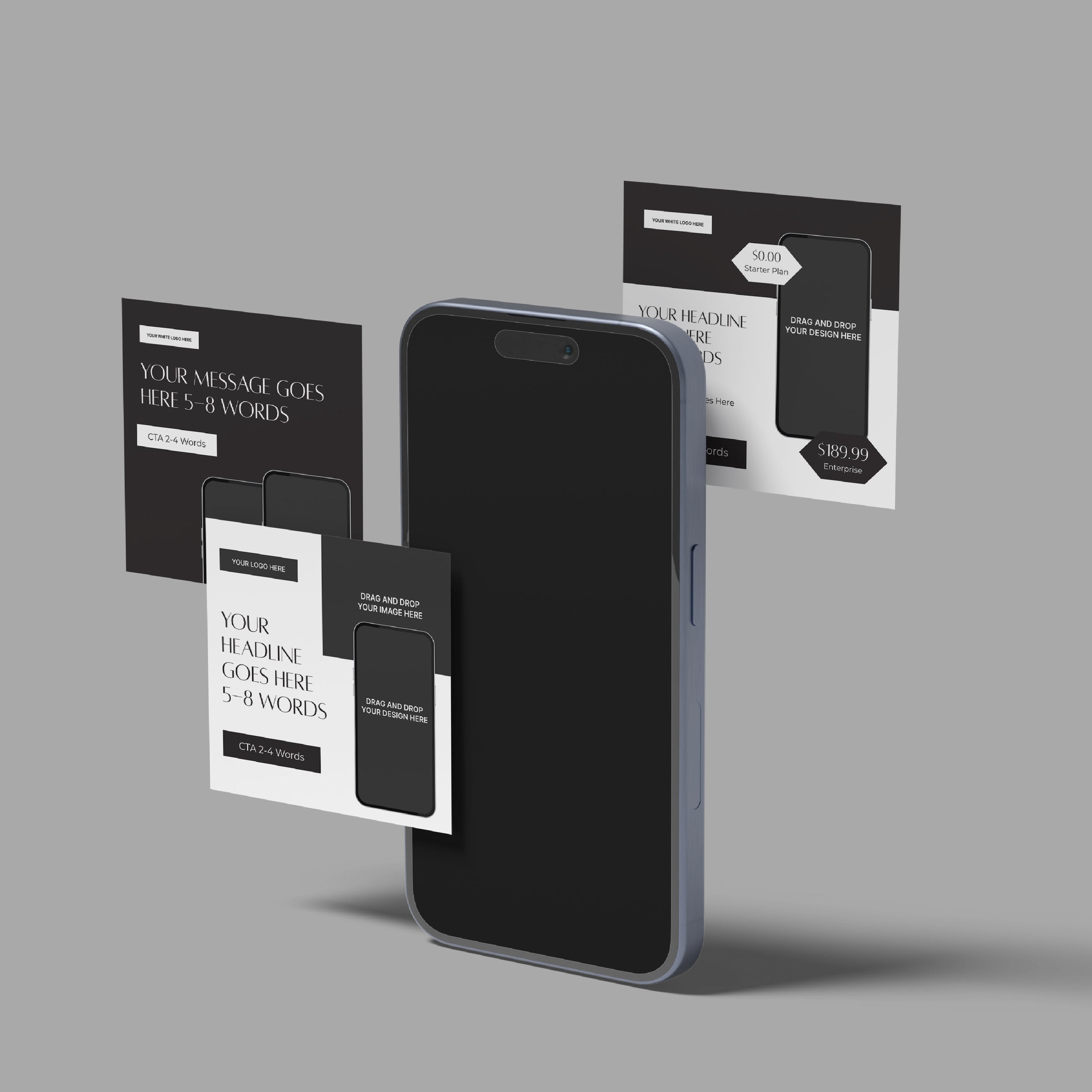
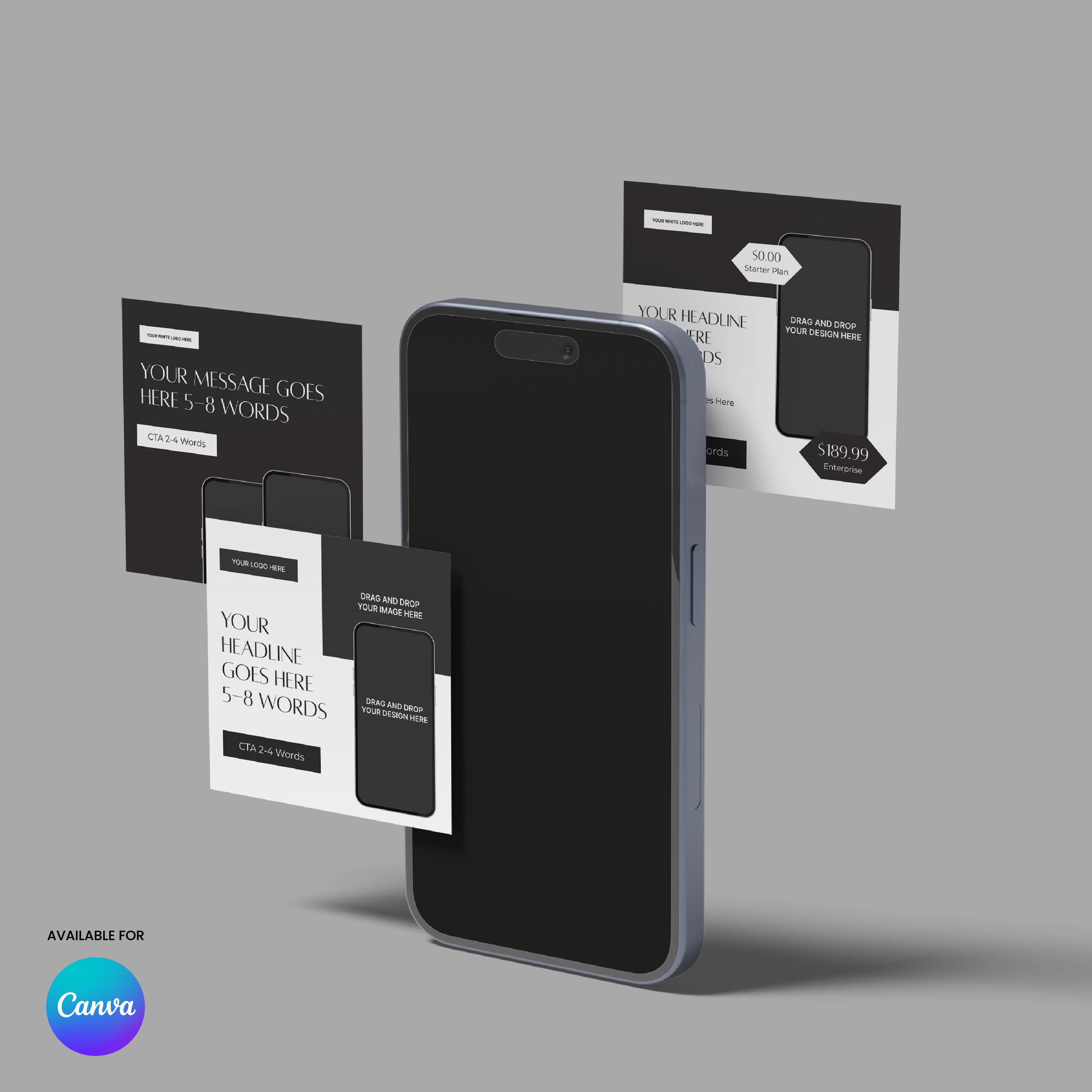
These Social Media Paid Ad Templates for Canva from the Forma 60 Collection help you create clear, professional advertising visuals that stand out while staying consistent with your brand.
The layouts are designed for performance-focused communication. Each template combines strong headlines, product visuals, and clear calls to action so your message is easy to understand at a glance.
The Forma 60 design style uses bold contrast, elegant typography, and clean layouts that create a refined and modern look across paid campaigns.
These templates work well for product launches, service promotion, special offers, and performance marketing campaigns across social platforms.
Templates included
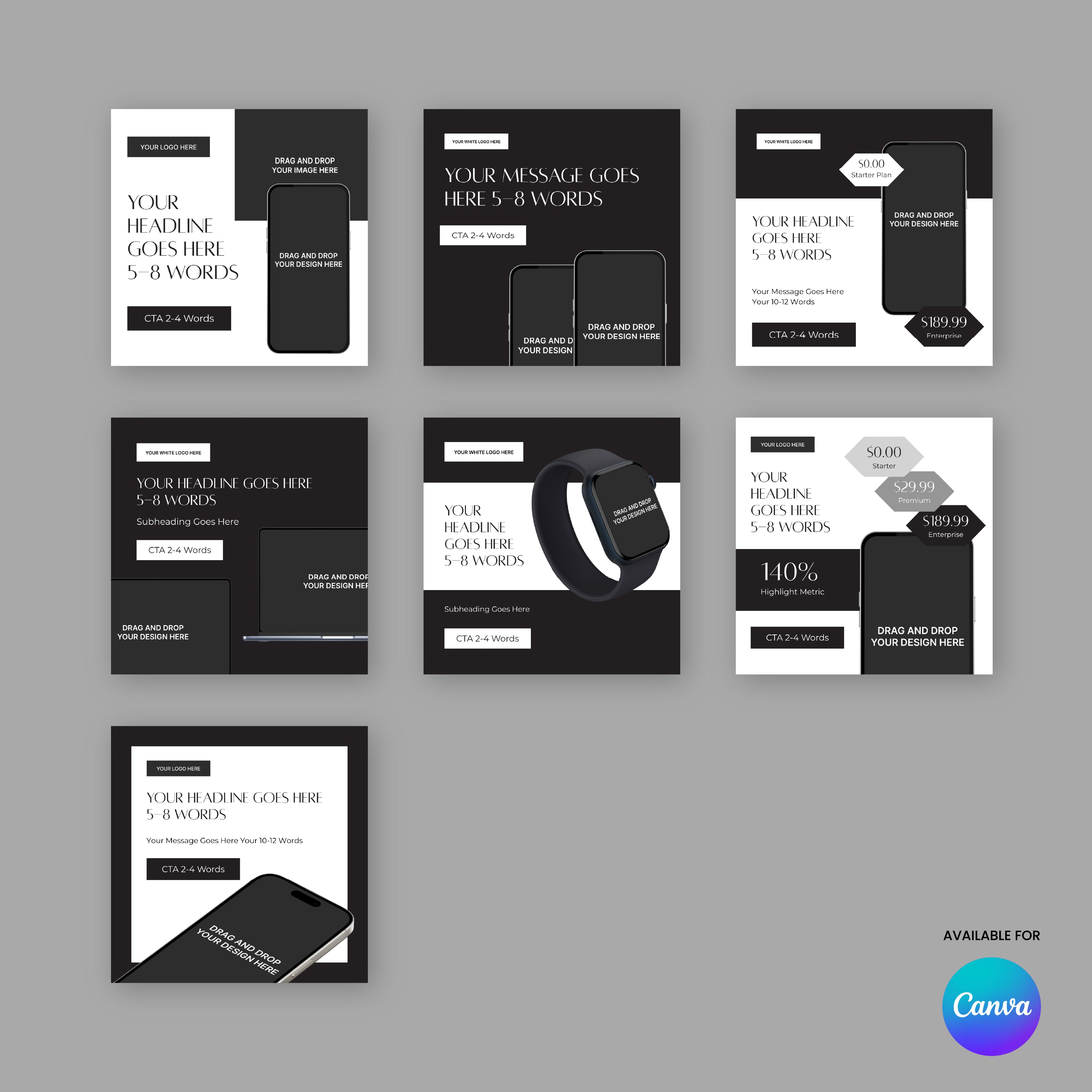
- Product promotion ad
- Service promotion ad
- Offer or pricing highlight
- Feature highlight
- Product showcase
- Results or metrics highlight
- CTA focused ad
Features
- 7 paid social media ad templates
- Square format suitable for most advertising platforms
- Minimal premium design style
- Strong CTA-focused layouts
- Fully editable in Canva
- Works with free Canva accounts
- Change colors, text, and images easily
- Export ready for social media ads
This template is part of the Forma 60 Collection, a modern design system created for brands that want their social media, marketing materials, and campaigns to stay visually aligned.
Pairs well with
Digital Product = Instant Access to Your Templates
Social Media Paid Ad Templates for Canva - Forma 60 Collection
Product details
Features
Design Style
What is Included?
Format
How do I Use it?
Instant Brand Kit
FAQs
Some of the most popular questions we get.
What exactly do I get?
You’ll get a fully designed, ready-to-use template - built in a consistent style and easy to customize. Each one is made to help you move fast and look professional across everything from pitch decks to social posts, landing pages, and more.
Can I customize it to match my brand?
Absolutely. Fonts, colors, and images are all fully editable - and most templates include image placeholders, so you can easily drag and drop visuals without messing up the layout. Whether your brand is bold and loud or clean and minimal, it’s easy to make it feel like yours.
I’m not a designer. Will I be able to use this?
Yes, that’s kind of the whole point. You don’t need any design skills to use the templates. The layout is already done - you just fill it in, drag and drop your own logo or visuals and it is done.
Is this based on real startup needs?
Yes - and not just from the outside. We’re a startup too, and everything we create comes from real experience building our own business and helping others do the same. From pitch decks to landing pages, these templates solve the design problems we’ve seen (and felt) again and again.
What tools do I need to edit it?
Most of the templates are made for Canva, so you can edit them using tools you probably already have - or can learn in five minutes.
Tips Kit Articles

What Makes a Business Proposal Easy to Approve
A proposal becomes easy to approve when it removes uncertainty. Clear objectives, structured solutions, defined scope, and transparent pricing help clients evaluate projects with confidence.
Read moreabout What Makes a Business Proposal Easy to Approve

What Investors Look for in a Pitch Deck
Investors evaluate pitch decks by looking for clear signals such as a strong problem, market potential, traction, and a credible team. A structured narrative helps them understand the opportunity quickly.

Why Most Business Cards End Up Forgotten
Most business cards are forgotten because they only share contact information. When a card leads to something valuable, such as a portfolio, guide, or report, it becomes a gateway to your expertise instead of just a reminder of a meeting.