Vendor:More By Us | The Brand Store
920202
Green Hiring Social Media Story Templates for Canva - Forma 20 Collection
Hiring posts need to be clear and quick to understand. Vertical story formats help you communicate opportunities instantly.
These Green Hiring Social Media Story Templates for Canva from the Forma 20 Collection help you promote open roles in a structured and professional way across social media.
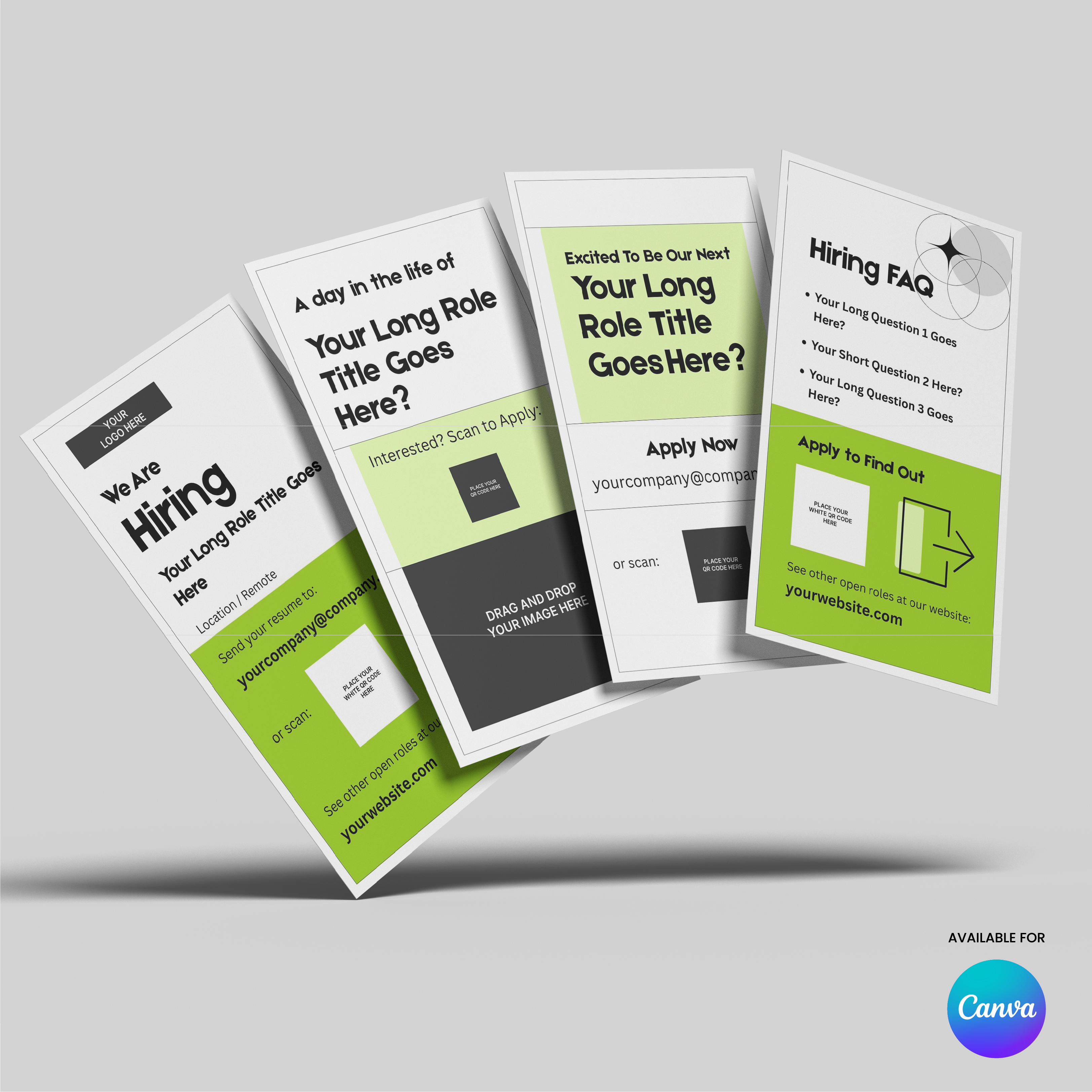
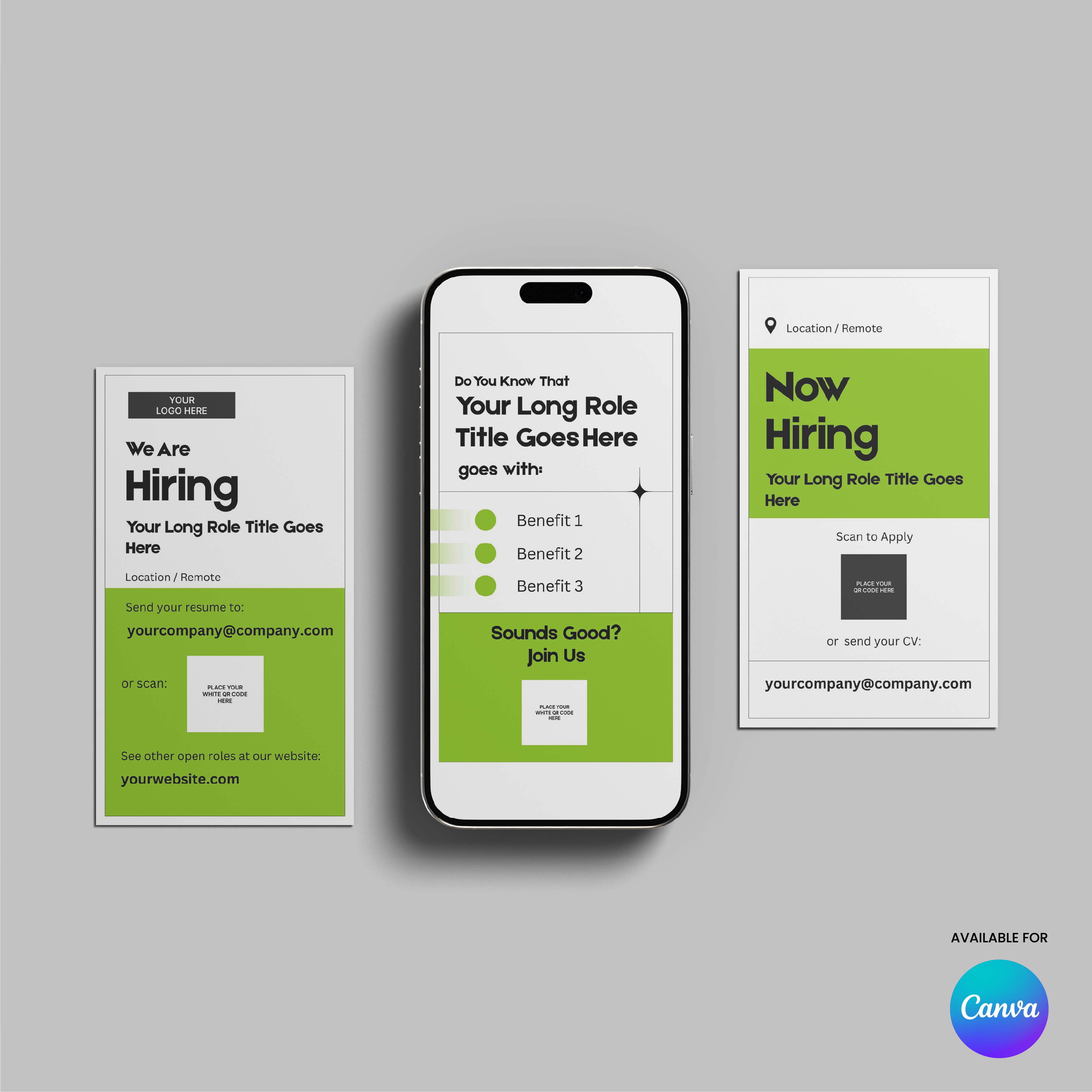
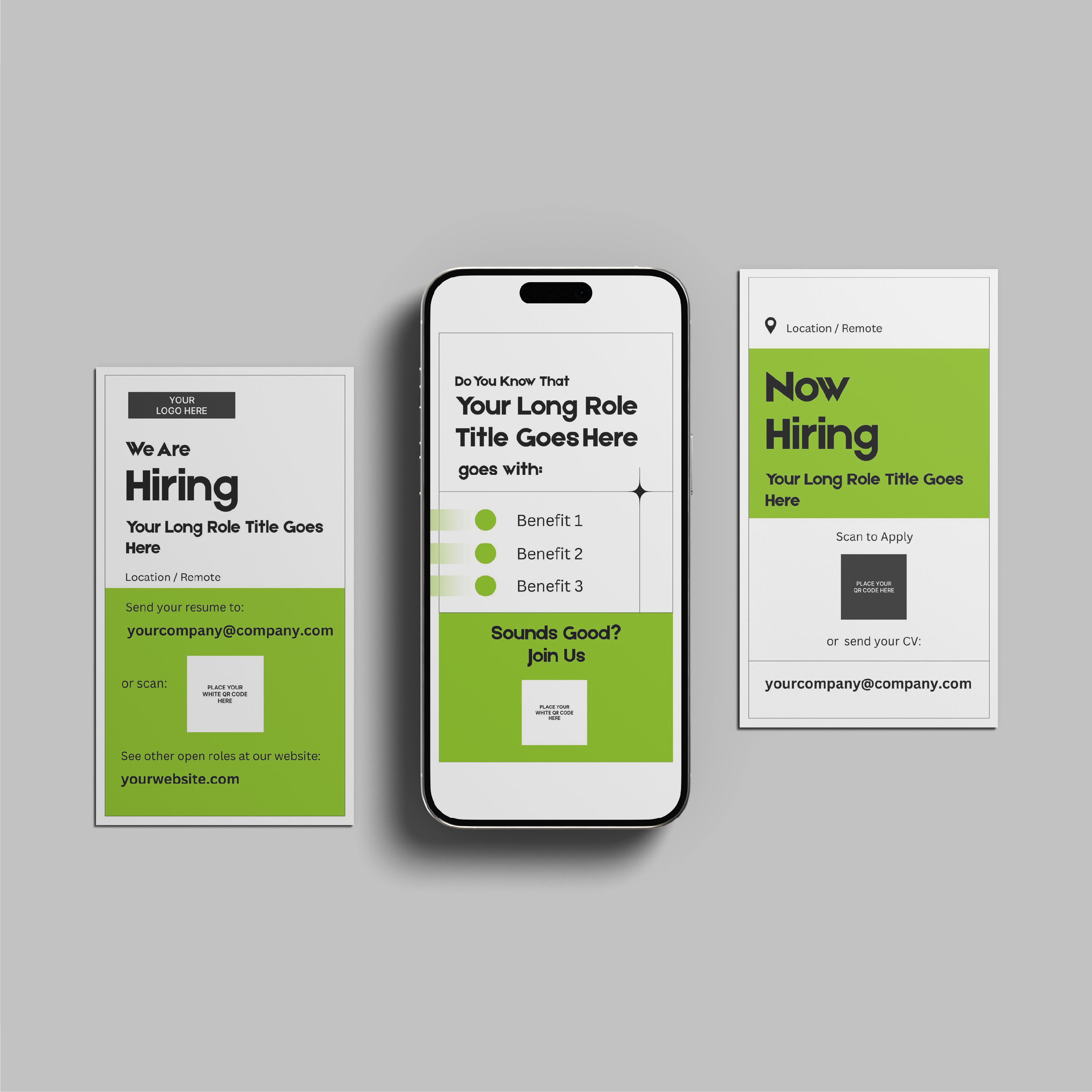
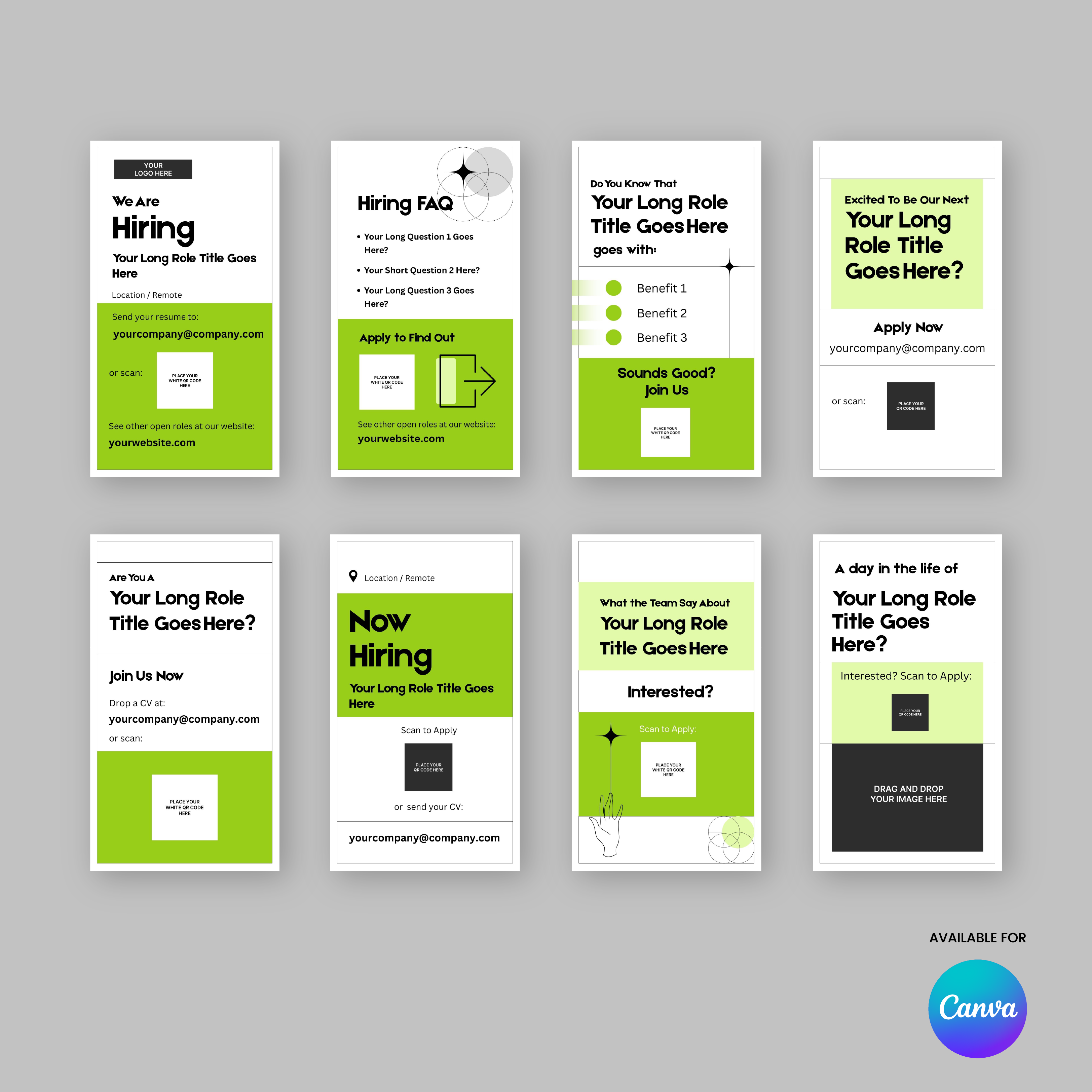
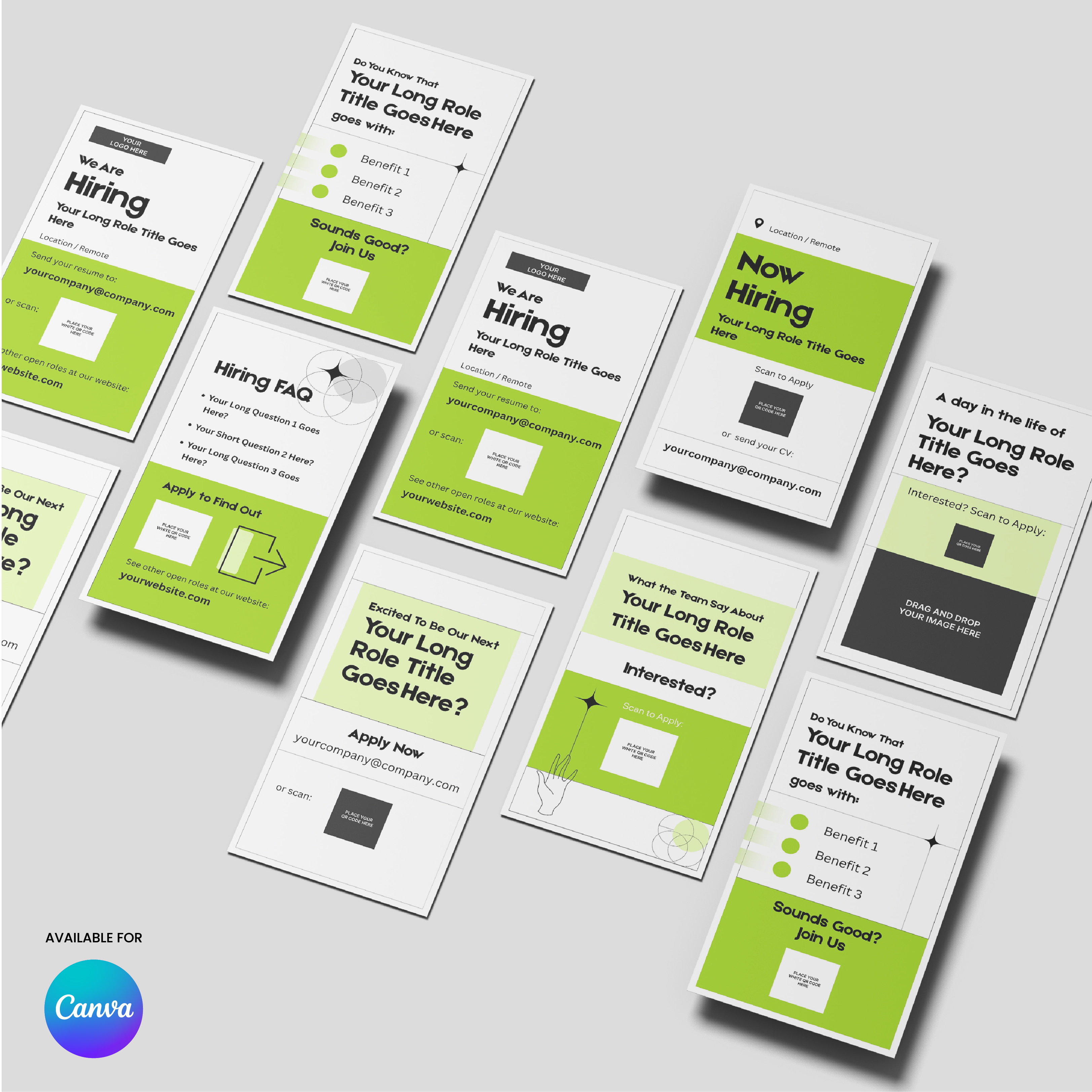
Instead of posting a single hiring slide, this template set provides multiple layouts that guide candidates through the opportunity. You can introduce the role, answer common questions, highlight benefits, present your team, and direct candidates to apply.
The Forma 20 design system focuses on clean layouts, strong typography, and bold green accents that help key information stand out while keeping the overall design minimal and easy to read.
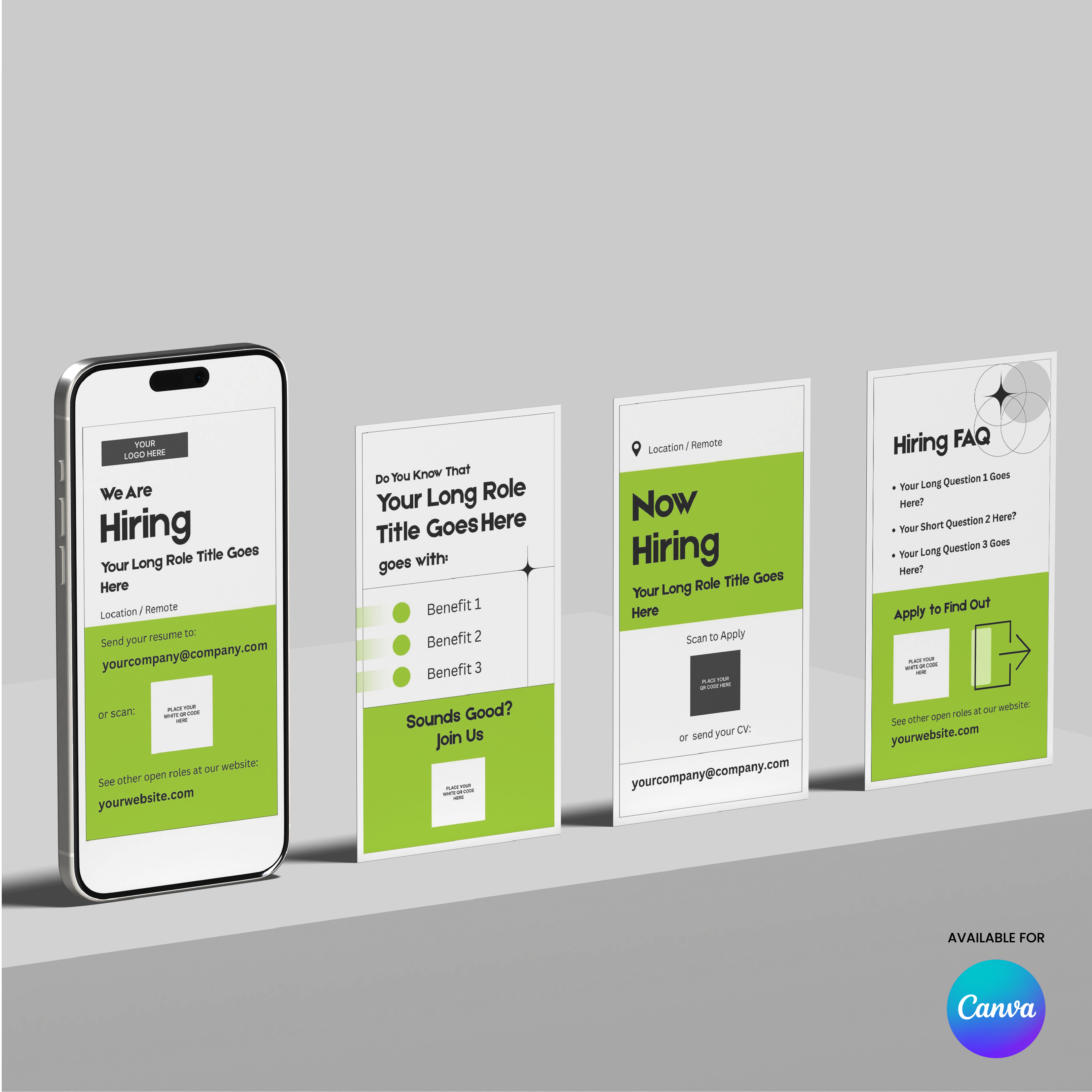
These templates work across Instagram, LinkedIn, Facebook, and other vertical social media formats, making them a flexible tool for recruitment campaigns.
Templates included
- We Are Hiring
- Hiring FAQ
- Role Benefits
- Apply Now
- Join Our Team
- Now Hiring
- Team Testimonial
- A Day in the Role
Features
- 8 vertical social media story templates
- Green accent version of the Forma 20 design system
- Clean minimal layout structure
- Fully editable in Canva
- Works with free Canva accounts
- Change text, colors, and images easily
- Export ready for social media
This template is part of the Forma 20 Collection, a minimal design system created to keep brand communication consistent across social media, presentations, and marketing materials.
Pairs well with
Digital Product = Instant Access to Your Templates
Green Hiring Social Media Story Templates for Canva - Forma 20 Collection
Product details
Features
Design Style
What is Included?
Format
How do I Use it?
Instant Brand Kit
FAQs
Some of the most popular questions we get.
What exactly do I get?
You’ll get a fully designed, ready-to-use template - built in a consistent style and easy to customize. Each one is made to help you move fast and look professional across everything from pitch decks to social posts, landing pages, and more.
Can I customize it to match my brand?
Absolutely. Fonts, colors, and images are all fully editable - and most templates include image placeholders, so you can easily drag and drop visuals without messing up the layout. Whether your brand is bold and loud or clean and minimal, it’s easy to make it feel like yours.
I’m not a designer. Will I be able to use this?
Yes, that’s kind of the whole point. You don’t need any design skills to use the templates. The layout is already done - you just fill it in, drag and drop your own logo or visuals and it is done.
Is this based on real startup needs?
Yes - and not just from the outside. We’re a startup too, and everything we create comes from real experience building our own business and helping others do the same. From pitch decks to landing pages, these templates solve the design problems we’ve seen (and felt) again and again.
What tools do I need to edit it?
Most of the templates are made for Canva, so you can edit them using tools you probably already have - or can learn in five minutes.
Tips Kit Articles

What Makes a Business Proposal Easy to Approve
A proposal becomes easy to approve when it removes uncertainty. Clear objectives, structured solutions, defined scope, and transparent pricing help clients evaluate projects with confidence.
Read moreabout What Makes a Business Proposal Easy to Approve

What Investors Look for in a Pitch Deck
Investors evaluate pitch decks by looking for clear signals such as a strong problem, market potential, traction, and a credible team. A structured narrative helps them understand the opportunity quickly.

Why Most Business Cards End Up Forgotten
Most business cards are forgotten because they only share contact information. When a card leads to something valuable, such as a portfolio, guide, or report, it becomes a gateway to your expertise instead of just a reminder of a meeting.